







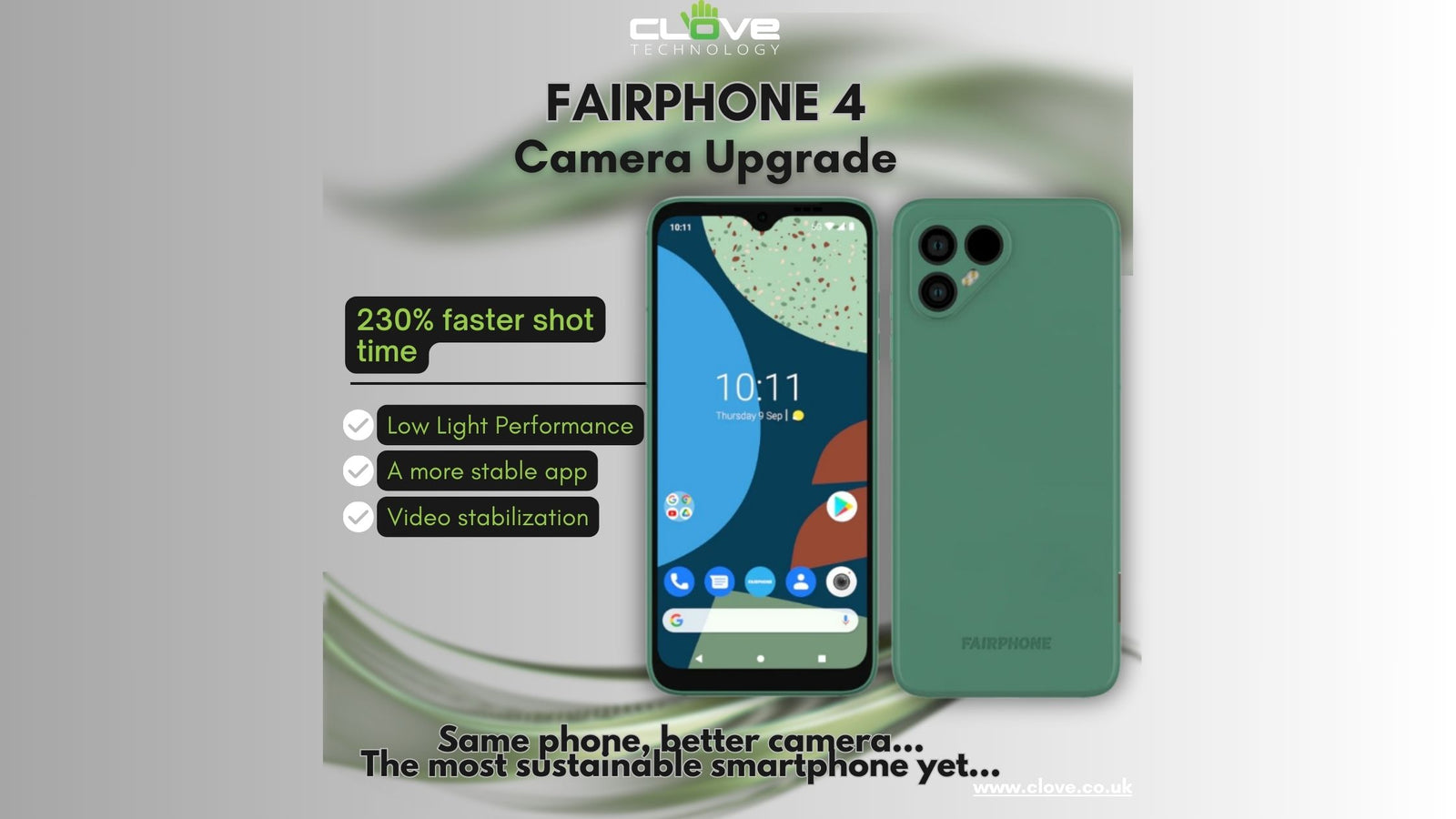
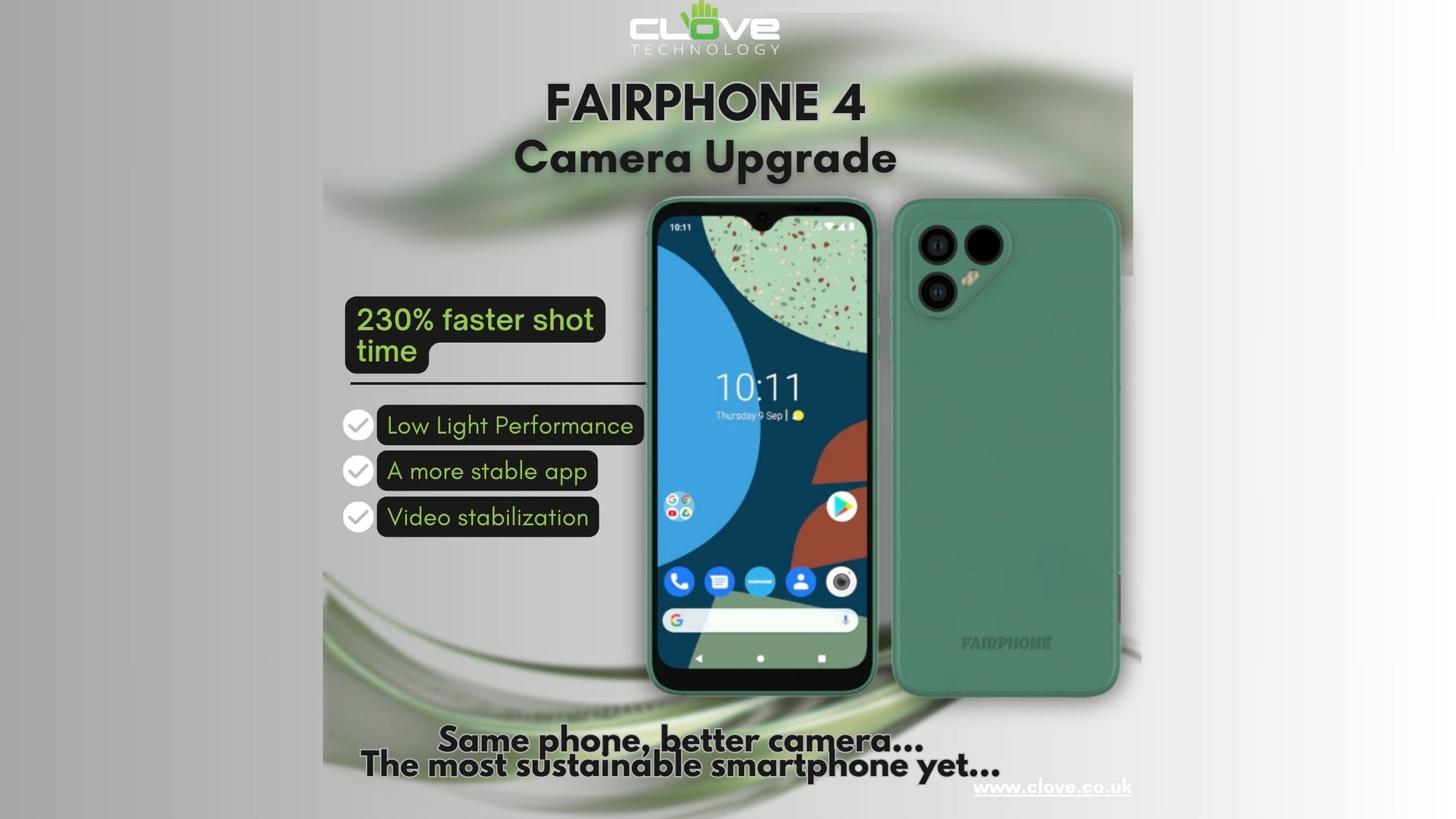
You spoke and Fairphone listened. Not only did they listen, but they also gave a timely response birthed to an improved Fairphone 4 camera quality. The Fairphone 4 camera upgrade touches on three major pain points which customers had pointed out. First is the camera’s low light performance, then its speed and accuracy. This upgrade takes the phone’s camera...


We at Clove Technology would like to wish you a Merry Christmas and Happy New Year.
Thank you for another brilliant year with all the new releases. We hope to see you in 2024!
See our Christmas opening times here!


We at Clove Technology would like to wish you a Merry Christmas and Happy New Year.
Thank you for another brilliant year with all the new releases. We hope to see you in 2023!
See our Christmas opening times here!


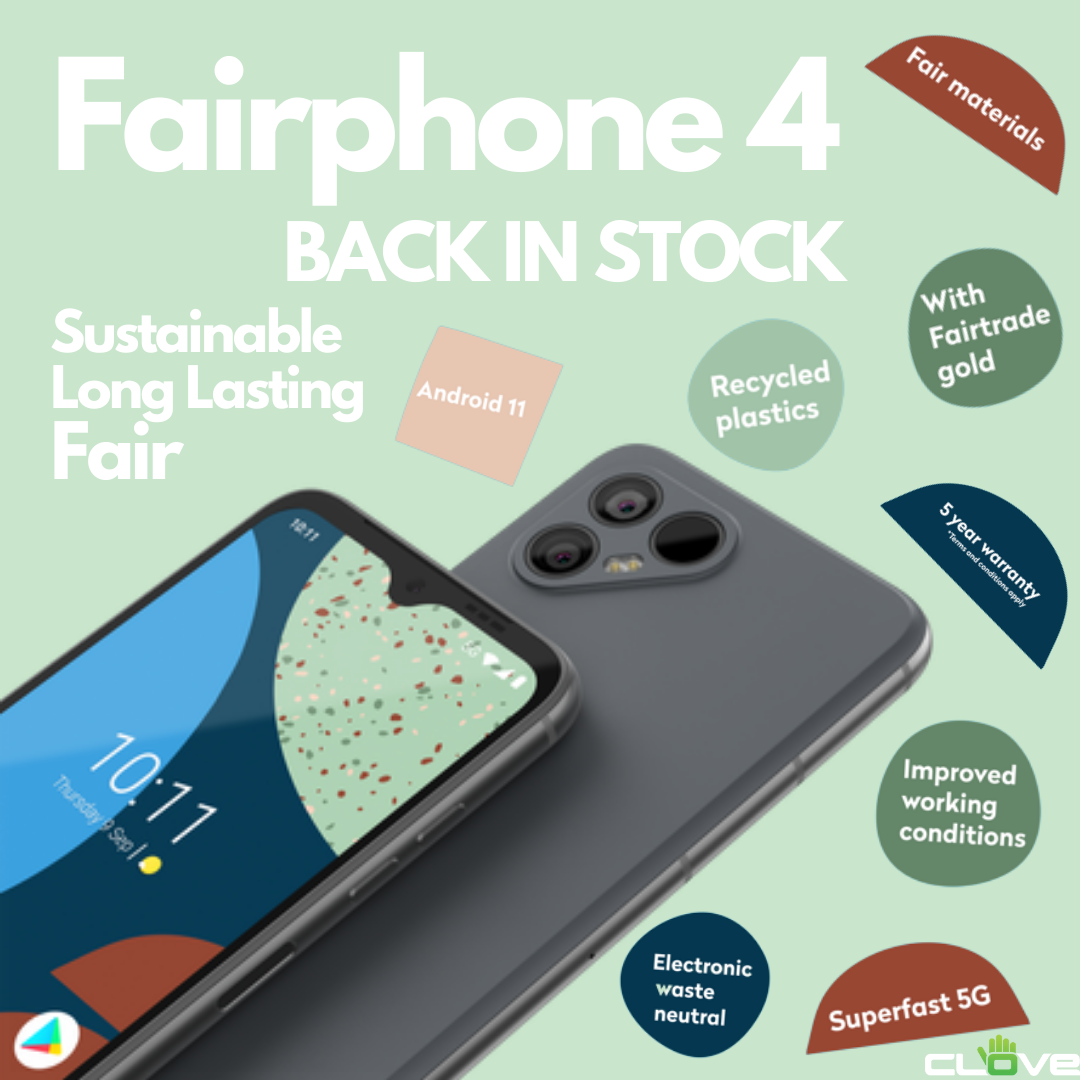
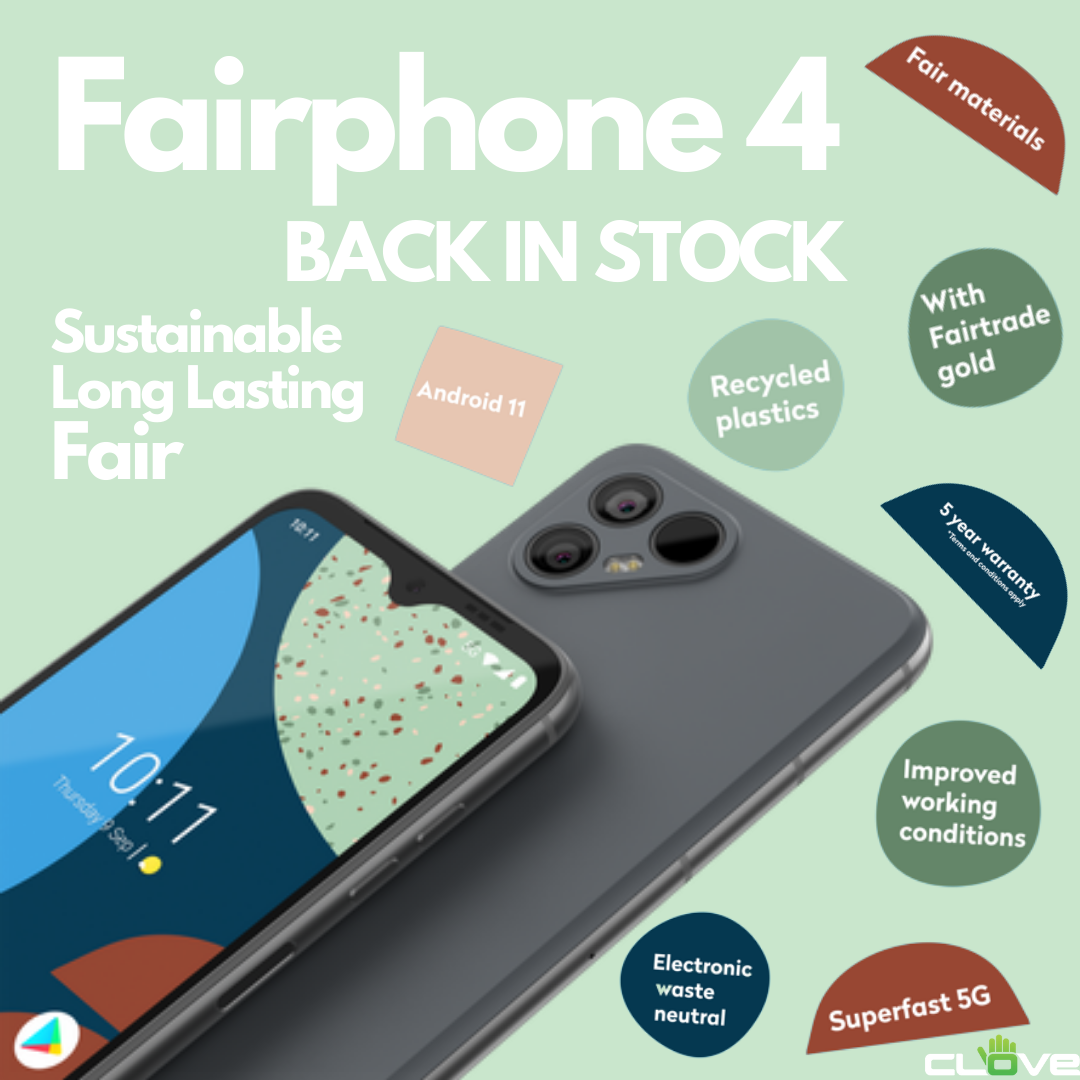
Find out more about the sustainable company that is Fairphone.
Sustainable, Long Lasting, Fair.